
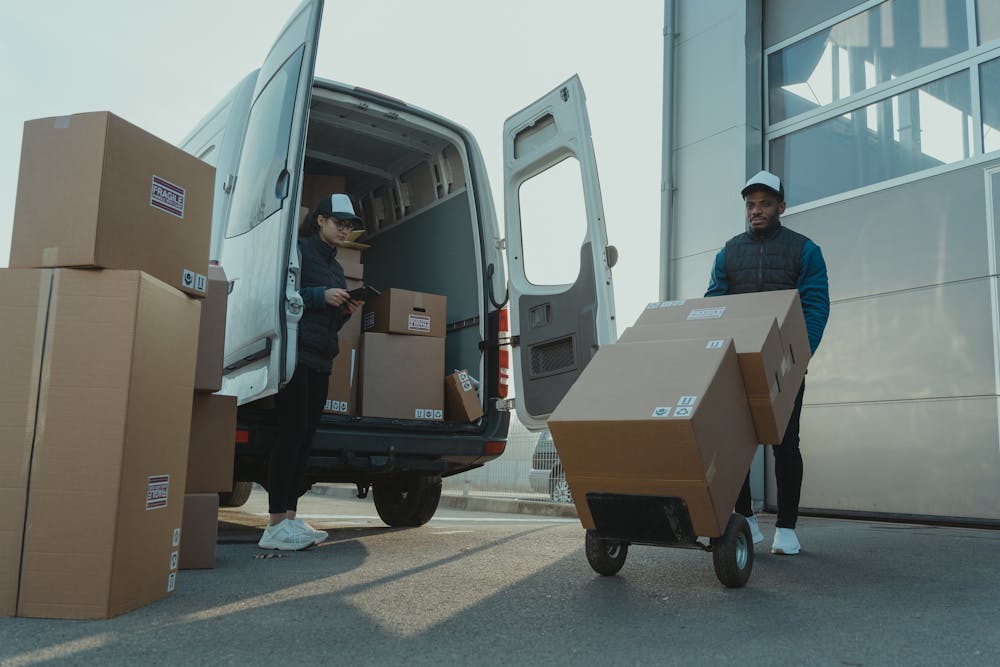
Local order movement
Discuss moving eligible packaged orders between your workroom, shop, stockroom or another local business location.
FOR ECOMMERCE SELLERS
When packaged goods or stock need to move across the city, start with a clear plan. GoGuyy gives sellers a place to begin a goods movement request and share the details that matter.
Availability, vehicle suitability and timing depend on the specific request.
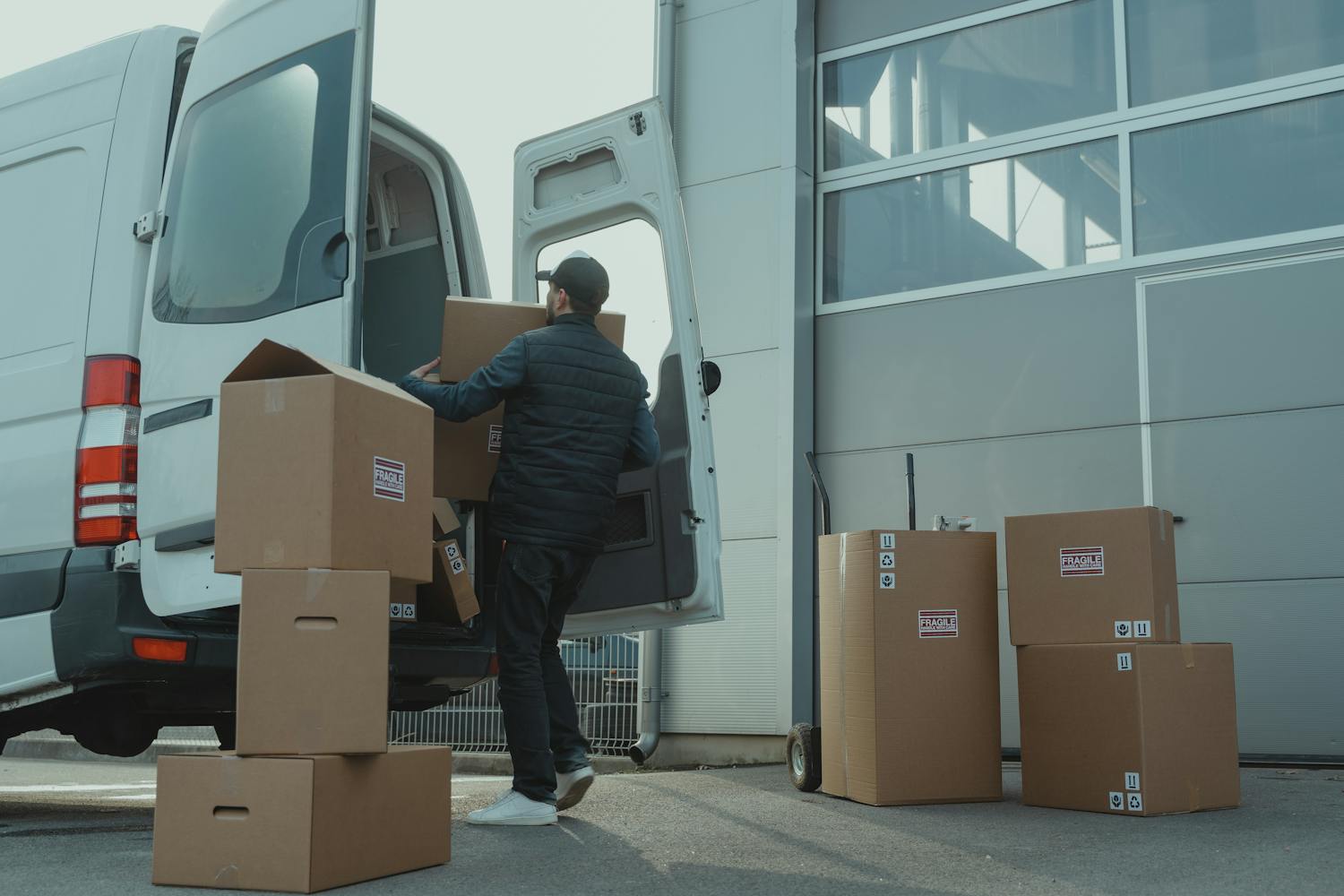
For local sellers managing stock, parcels and supplies
Intracity goods movement, discussed request by request
WHEN GOODS NEED TO MOVE
Orders, inventory and supplies can involve movement between more than one location. Describe what you need to move and where it needs to go, then review the options available for your request.
Discuss moving eligible packaged orders between your workroom, shop, stockroom or another local business location.
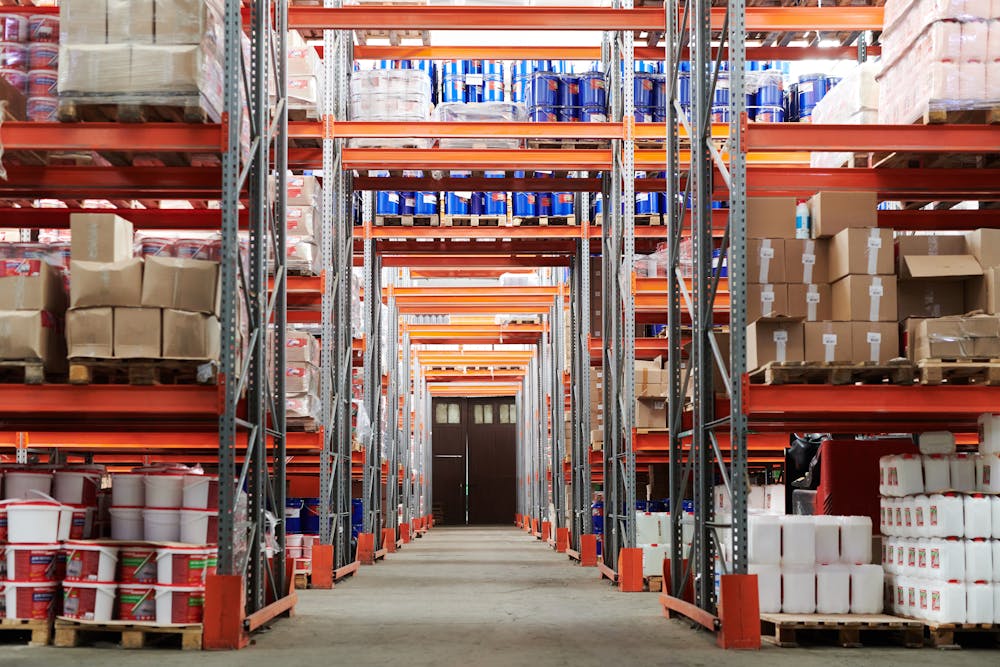
Prepare the details when products need to move between storage, selling or fulfilment locations within the city.
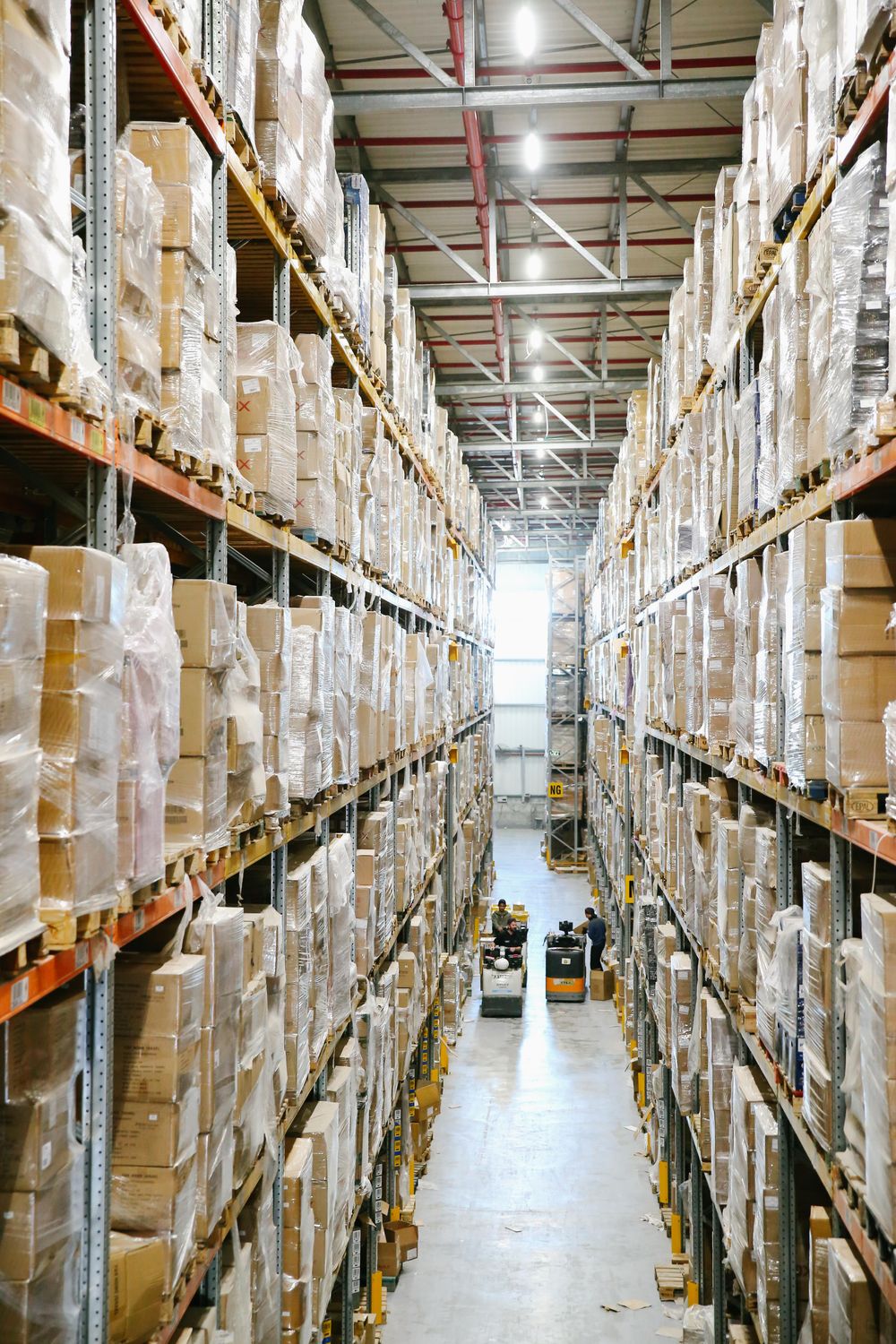
Enquire about collecting suitable packaged goods or supplies when quantity, size and destination are clear.
A CLEAR STARTING POINT
A well described request makes the requirement easier to assess. Use these steps to get ready before opening the GoGuyy app or contacting the team.
Know what is packed, how many parcels there are, and their approximate dimensions and weight.
Follow the goods movement flow available in the app and provide the details requested there.
Share pickup, destination and timing needs, then confirm the suitable options and availability for your request.
START WITH THE GOGUYY APP
Use the GoGuyy app to begin the process available for your goods movement requirement. Keep your parcel information and location details close by, and follow the next steps shown for your request.
The app page explains the current download path. Options and features depend on the available release and your specific request.
MAKE THE REQUEST CLEAR
Good information helps everyone understand the job before options are discussed. Share what you know and flag any details that still need to be checked.
Product type, number of parcels or cartons, and approximate size and weight.
Pickup and destination addresses, access notes and any relevant contact instructions.
Your preferred timing and any handling details that could affect the movement.
BEFORE YOU GET STARTED
Review the basics, then use the app or contact the team with details about your specific goods movement requirement.
Open the GoGuyy app or visit the app page on this website. Follow the goods movement flow available to you and provide the information requested there. The next steps depend on the options shown for your specific request.
You can describe the type of packaged goods, where they need to be picked up and where they need to go. The specific route, handling needs and request suitability must be checked before any transport arrangement is confirmed.
You can provide the details of an intracity stock movement. Share both locations, quantity, dimensions and any access requirements so the request can be assessed.
GoGuyy presents 3 wheeler cargo and 4 wheeler cargo options. Consider the dimensions, weight, quantity and handling needs of your goods, then review the available options for the request. You can also visit the Vehicle Options page for an overview.
No. Vehicle availability, suitability and timing are specific to the request and need to be confirmed. This page does not promise a vehicle, route or delivery time.
YOUR NEXT MOVE STARTS HERE
Open the GoGuyy app to begin, or contact the team if you want to discuss a particular movement requirement.